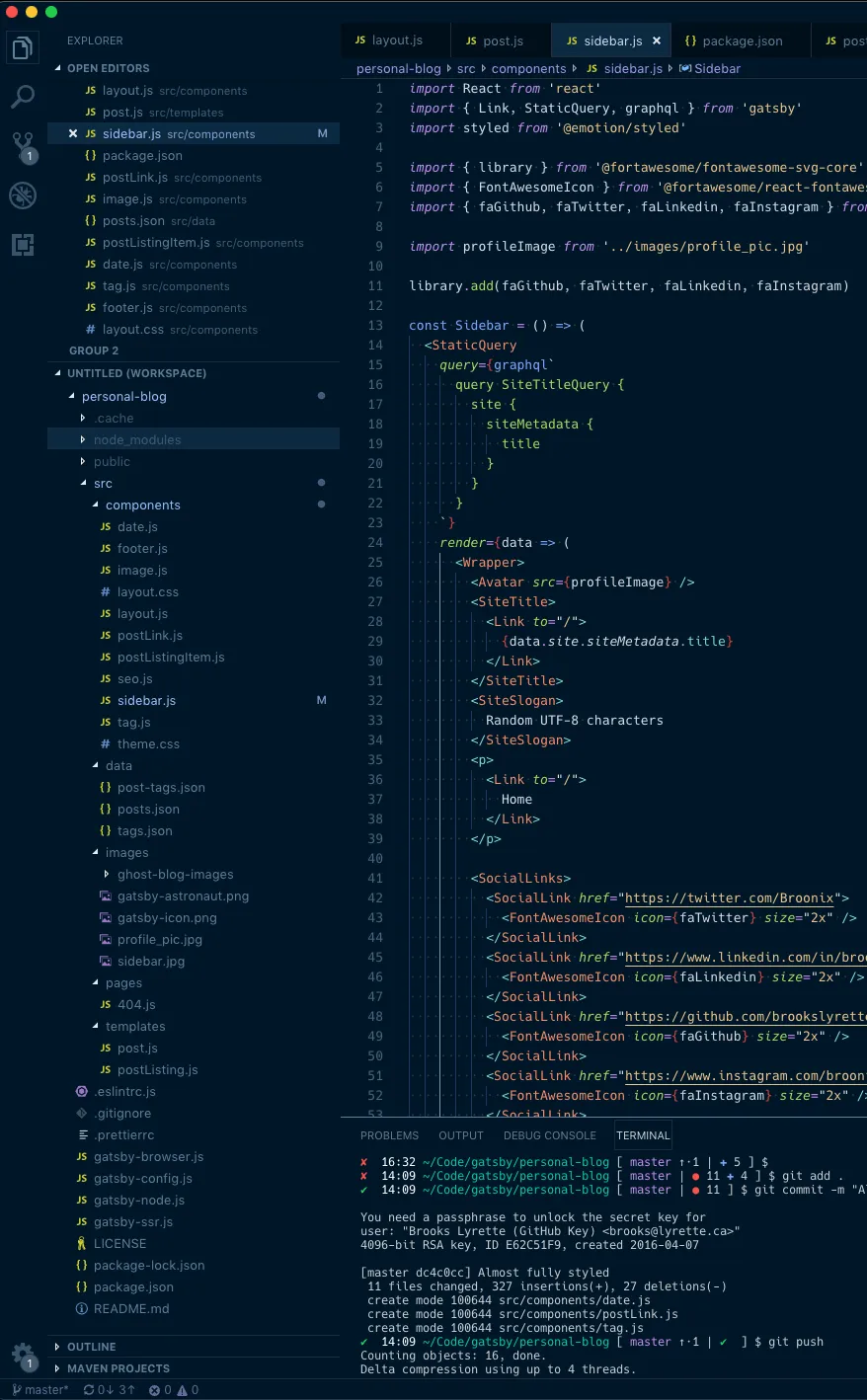

I’ve added an AI Worklog to this blog. Given that my plan is to riff on this with claude. I figured it’d be best to have him start writing down what we’ve done.
How it all works
I’m leveraging skills and CLAUDE.md, everytime claude pushes up a PR it updates its worklog. The moving bits to get this all working were super simple:
CLAUDE.md Entry
In my CLAUDE.md file I added:
## AI Worklog

Before running `commit-commands:commit-push-pr`, always invoke the `update-ai-worklog` skill first.
It prepends a summary entry to `src/data/ai-worklog.ts` and stages it as part of the same commit.

Never skip this step, even for small changes.
Skill
The skill file drives what gets done when I its invoked. To ensure claude makes sane sounding posts, I gave him a product manager role and a few examples.
---
name: update-ai-worklog
description: Use before running commit-push-pr in the personal-blog repository — prepends one worklog entry to src/data/ai-worklog.ts summarizing what was accomplished on the branch
---

# Update AI Worklog

Prepend one entry to `src/data/ai-worklog.ts` as part of the PR workflow. The entry title must include the PR number (e.g. `"Add About page (PR #71)"`), so the PR must be created first.

## Steps

1. Run `git log master..HEAD --oneline` and `git diff master..HEAD --stat`
2. Commit and push the branch, then create the PR with `gh pr create` — note the PR number
3. Write one `WorklogEntry` summarizing what the PR accomplished, including the PR number in the title
4. Determine the era and prepend the entry (see Era Rules)
5. Commit `src/data/ai-worklog.ts` and push to update the open PR

## Entry Format

```ts
{
  date: "May 21, 2026",        // today's date, same format as existing entries
  emoji: "🔧",                 // see emoji guide below
  title: "What this PR does",  // outcome, not implementation detail
  bullets: [                   // 2–5 bullets, past tense, outcome-focused
    "Added `ComponentName` doing X",
    "Fixed **important thing** (PR #N)",
  ],
  // Use body instead of bullets only for multi-phase work with narrative flow
}
```

## Era Rules

Read `worklog` array at the top of the data file:

- **Same month/year as `worklog[0].label`** → prepend to `worklog[0].entries`
- **New month or new phase** → prepend a new era object to `worklog`:
  ```ts
  { label: "June 2026 — Active development", entries: [newEntry] }
  ```
  Give the era a descriptive theme if the work has a clear focus (e.g. "Performance work", "Content updates"). Default to "Active development".

## Emoji Guide

| Emoji | Use for |
|-------|---------|
| 🚀 | New features, major additions |
| 🔧 | Refactors, tooling, config, deps |
| 🎨 | Design, styling, visual changes |
| 📱 | Mobile, responsive work |
| 📝 | Docs, content, blog posts |
| 🐛 | Bug fixes |
| 🔒 | Security, vulnerability fixes |
| 📡 | APIs, feeds, integrations |
| ✨ | Polish, small improvements |

## Writing Good Entries

Write as a **product manager describing what shipped**, not an engineer describing how it was built. A reader skimming the worklog should understand what improved on the site — not what files changed or what libraries were used.

**Title:** what the PR delivers for the site — "Add RSS feed" not "Implement @astrojs/rss endpoint"

**Bullets:** outcomes and capabilities, not implementation details:
- ✅ "Readers can now subscribe via RSS from any feed reader"
- ✅ "Wired up Google Analytics so site traffic is now tracked"
- ❌ "Created rss.xml.ts, imported getCollection, stripped MDX imports"
- ❌ "Replaced UA tag with GA4, added is:inline to init script"

**Never include:** library names, file paths, function names, config flags, IDs, tokens, or any internal identifiers. If the user can't see it, it doesn't belong in the worklog.

**Only count changes vs `main`** — internal refactors that don't affect the end result don't need a bullet.

1–2 bullets is usually enough. If you can say it in one, do.
I’ve been running this skill for about a day. So far, it’s worked exactly like I wanted. I’m sure I’ll tweak it going forward.